
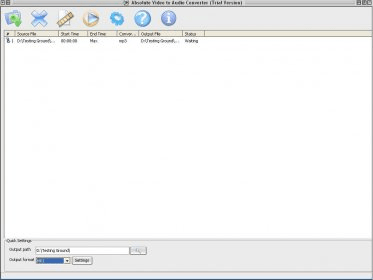
Absolute Video to Audio Converter is a program to extract audio from video files. By using it, you will be able to grab just the sound part of MPG, AVI, WMV/ASF video files and save it in MP3, WMA, WAV and OGG files. This could be useful, for example, when you want to extract the music from a video clip, or the soundtrack in a movie. This program will allow you to select a list of files to convert. Then, you will need to specify an output path and format for the target files. You can configure the settings for each output format: CBR and VBR for the MP3 format; different pre-built profiles for WMAs; frequency, channels and bits per sample for WAVs and frequency, channels, bitrate, VBR and quality for OGG files. You can select just a part of the file to convert, by pressing the "Edit Selection" button. That will open a menu where you will be able to set the start and end time. Pressing the "Convert" button you will trigger the conversion process. The unregistered version of Absolute Video to Audio Converter converts just the half of the file. To remove this limitation, you´ll have to register the program.






Comments